
Post (practical card)
Recommended1200×628 ~1.91:1
Practical neighborhood feed card. Community habit near link/OG cards—preview on Nextdoor after upload.
Use in toolNextdoor · Image size
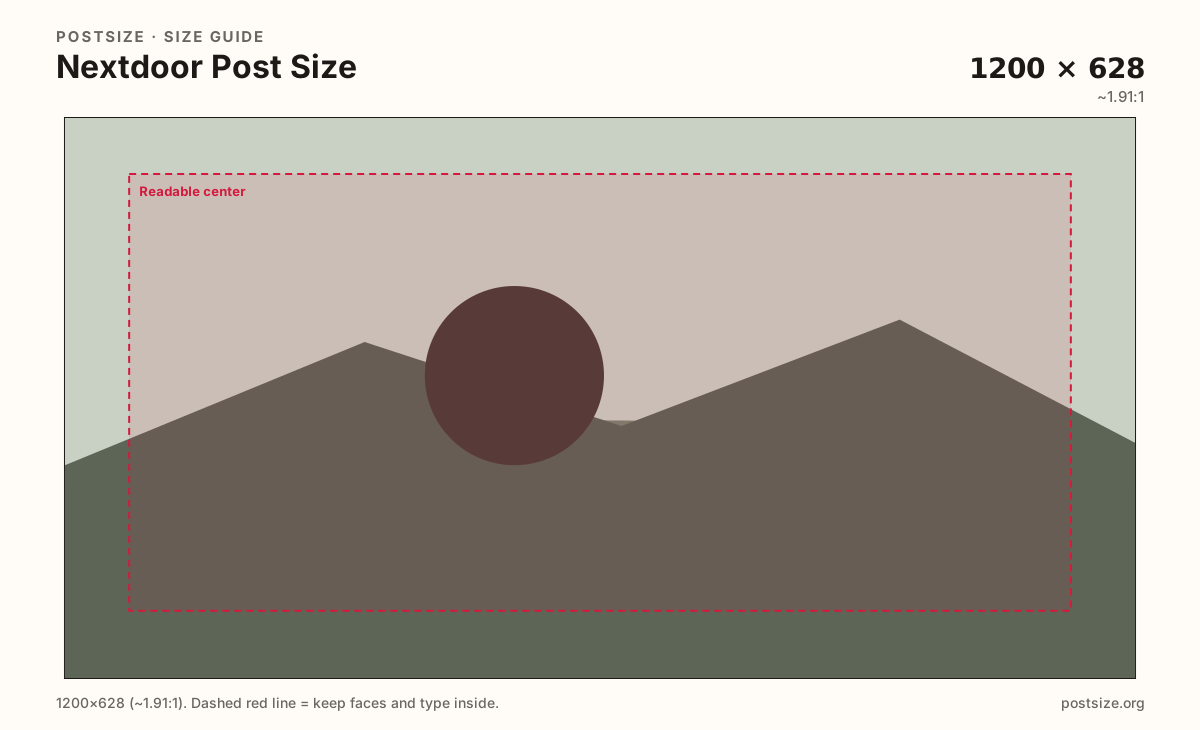
Nextdoor posts commonly use a wide ~1200×628 card. Export that practical size, keep the subject honest and clear, then download—this is not a business cover.
Browser crop · stays on your device
1200 × 628
Add a photo to crop
Upload a photo of the item, event, or place—or try the sample—then keep the subject inside the safe zone before you download.
Neighborhood posts are social cards. Business page covers are a separate wide strip.
Export this for Nextdoor upload.
1200×628 ~1.91:1
Practical neighborhood feed card. Community habit near link/OG cards—preview on Nextdoor after upload.
Use in tool| Asset | Pixels | Ratio | Notes | Action |
|---|---|---|---|---|
| Post (practical card) Recommended | 1200×628 | ~1.91:1 | Practical neighborhood feed card. Community habit near link/OG cards—preview on Nextdoor after upload. | Use in tool |
Nextdoor is a hyperlocal network: neighbors share recommendations, lost pets, yard sales, and local business updates. A practical 1200×628 card keeps photos readable in the feed without inventing a fake official pixel law.
Neighbors judge honesty first. Soft, over-filtered stock art can look less trustworthy than a clear phone photo of the real porch, flyer, or product. Crop for clarity—keep the subject large.
Business covers (practical 1200×400) brand a page; posts carry the update. Do not stretch a cover into a post or vice versa.
Facebook and Instagram link cards share a similar ~1.91:1 habit. Reuse the photo when it helps, then preview on Nextdoor—local chrome and recommendation context differ from a national Facebook ad.
Same landscape card—edges and tiny type fail after compression or multi-image crop.
Tick these off against your crop preview—nothing is saved.
Similar-looking slots often use different ratios—do not reuse one export for all of them.
1200 × 628
This page. Practical neighborhood feed card.
1200 × 400
Page banner—separate guide.
1200 × 630
Similar ratio starter—preview on Nextdoor.
Phone original
Fine starter—still crop to the card.
| Surface | Typical size | Note |
|---|---|---|
| Post | 1200 × 628 | This page. Practical neighborhood feed card. |
| Business cover | 1200 × 400 | Page banner—separate guide. |
| Facebook / OG card | 1200 × 630 | Similar ratio starter—preview on Nextdoor. |
| Flyer photo | Phone original | Fine starter—still crop to the card. |
Neighbors skim for usefulness: Is this my block? Is the item real? Is the event date clear? Photos that look like generic ads can underperform next to plain, sharp reality.
Card ratios can look familiar. Nextdoor’s audience is geographic and trust-heavy. Business covers are a different branding strip for pages.
JPG for photos; PNG for hard graphics. Prefer sRGB. Keep weight reasonable for mobile uploads.
Upload, choose Post (1200×628), keep the subject in the zone, then download.
From this download to a live upload in a few minutes.
Download the 1200×628 JPG or PNG from the tool.
In Nextdoor, create a post and upload the image.
Preview the neighborhood feed on a phone.
If the subject feels small, enlarge and re-export.
A practical export is 1200×628 (~1.91:1). Preview on Nextdoor after upload.
No. Business covers are shorter banners (practical 1200×400). Posts are feed cards near 1200×628.
Often as a starter. Still preview on Nextdoor for local chrome and trust context.
No. Practical community sizing as of 2026-08-21. Always preview before you publish.
Yes. Files stay on your device until you download and upload to Nextdoor yourself.