
OA cover (practical)
Recommended1100×600 ~11:6
Practical Official Account cover strip. Community UI habit—preview on the OA page after upload.
Use in toolLINE · Image size
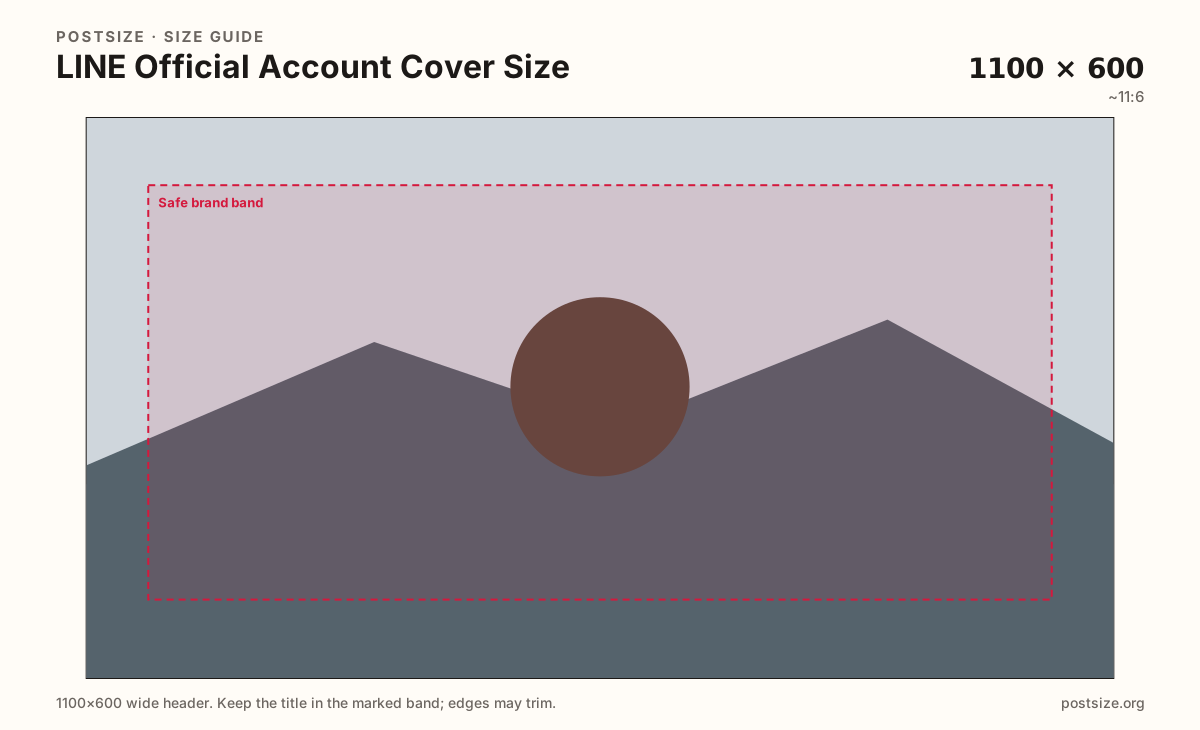
LINE Official Account covers are wide brand strips. Export a practical 1100×600, keep the hero centered, then download—this is not a VOOM post.
Browser crop · stays on your device
1100 × 600
Add a photo to crop
Upload a wide brand graphic—or try the sample—then keep logos and faces inside the safe band before you download.
This is the business / brand cover for a LINE Official Account—not a VOOM timeline square and not the chat avatar.
Export this for LINE upload.
1100×600 ~11:6
Practical Official Account cover strip. Community UI habit—preview on the OA page after upload.
Use in tool| Asset | Pixels | Ratio | Notes | Action |
|---|---|---|---|---|
| OA cover (practical) Recommended | 1100×600 | ~11:6 | Practical Official Account cover strip. Community UI habit—preview on the OA page after upload. | Use in tool |
LINE Official Accounts (OA) are how brands, shops, and creators run messaging, coupons, and rich menus in LINE-first markets. The cover is the wide strip visitors see on the account page—closer to a Facebook cover than to a VOOM post.
1100×600 is a practical community size for that banner. It is honest UI-based sizing—not a claim of a single official pixel forever. Preview the live OA page on phone and desktop after upload.
VOOM posts stay square (practical 1080×1080). Stretching a VOOM still into the OA cover letterboxes the art and wastes the strip. Chat avatars (640×640) are a third file.
WeChat Official Account headers use a different practical card (~900×500). Regional brands that run both messengers should keep separate masters instead of forcing one crop into both slots.
Same header strip—keep the avatar pocket clear and the subject in the open band.
Tick these off against your crop preview—nothing is saved.
Similar-looking slots often use different ratios—do not reuse one export for all of them.
1100 × 600
This page. Practical OA banner strip.
1080 × 1080
Social timeline square—separate guide.
640 × 640
Chat circle—third file.
900 × 500
Different messenger OA card—re-crop.
| Surface | Typical size | Note |
|---|---|---|
| Official Account cover | 1100 × 600 | This page. Practical OA banner strip. |
| VOOM post | 1080 × 1080 | Social timeline square—separate guide. |
| Profile picture | 640 × 640 | Chat circle—third file. |
| WeChat OA header | 900 × 500 | Different messenger OA card—re-crop. |
The cover sets brand mood before someone taps Add friend, opens a rich menu, or reads an auto-reply. It should answer who you are in one glance—not dump a full campaign PDF into pixels.
VOOM is social sharing; the OA cover is the business storefront. WeChat Official Accounts use another header ratio. Cross-post brands should maintain LINE OA, LINE VOOM, and WeChat OA as three exports.
JPG for photo banners; PNG for hard logos and type. Prefer sRGB. Avoid huge files that fail mobile OA uploads.
Upload a wide graphic, choose OA cover (1100×600), keep logos inside the safe band, then download.
From this download to a live upload in a few minutes.
Download the 1100×600 JPG or PNG from the tool.
In LINE Official Account Manager, open account profile / cover settings and upload.
Preview the OA page on a phone.
If logos clip, tighten the crop and replace.
A practical export is 1100×600 (~11:6). Preview on the live OA page—not an official single-pixel mandate.
No. VOOM posts are typically square (1080×1080). Official Account covers are wide brand strips.
Reuse the art, then re-crop. WeChat OA headers here use a practical 900×500 card—different from LINE’s 1100×600.
No. Practical community sizing as of 2026-08-21. Always preview before you publish.
Yes. Files stay on your device until you download and upload in Official Account Manager.