
Link card (practical)
Recommended1200×627 ~1.91:1
Practical ~1.91:1 card for Bluesky URL embeds. Not the 1200×675 post photo or 3000×1000 banner.
Use in toolBluesky · Image size
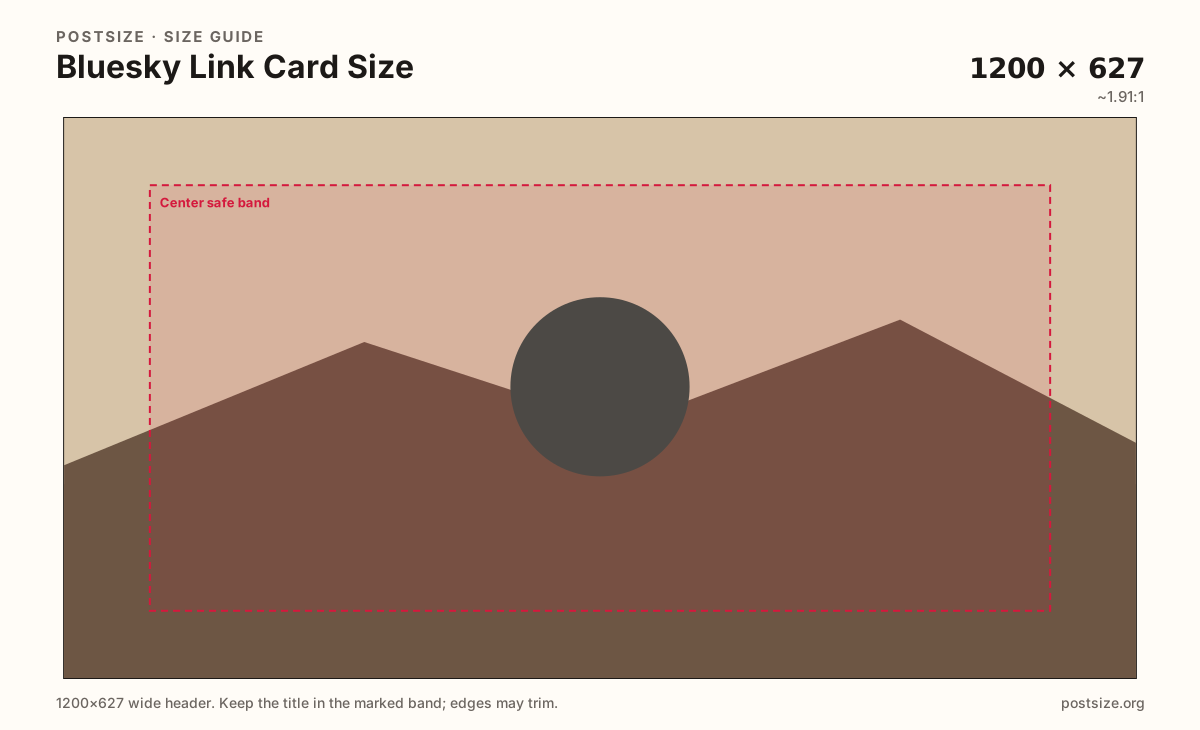
Bluesky link cards commonly use 1200×627. Keep the headline in the center band, then download in your browser—this is not a timeline photo or profile banner.
Browser crop · stays on your device
1200 × 627
Add a photo to crop
Upload a story photo or flat graphic—or try the sample—then keep the headline inside the center band before you download.
This page is for link embed cards. Timeline photos often target 1200×675; banners are a separate 3:1 upload—export each on purpose.
Export this for Bluesky upload.
1200×627 ~1.91:1
Practical ~1.91:1 card for Bluesky URL embeds. Not the 1200×675 post photo or 3000×1000 banner.
Use in tool| Asset | Pixels | Ratio | Notes | Action |
|---|---|---|---|---|
| Link card (practical) Recommended | 1200×627 | ~1.91:1 | Practical ~1.91:1 card for Bluesky URL embeds. Not the 1200×675 post photo or 3000×1000 banner. | Use in tool |
When a Bluesky post includes a URL, clients often show a wide ~1200×627 embed card. That card sells the click. Edge-hugging type and tiny captions fail after compression and in multi-column layouts.
Native timeline photos often sit near 1200×675 (16:9). Profile banners are a very wide 3000×1000 strip. Stretching one export into every slot is how soft, clipped cards happen on AT Protocol apps.
Your site’s Open Graph (or equivalent) tags usually feed the embed. Export a clear 1200×627 master, publish it on the destination page, then verify the live card in Bluesky. Expect cache lag when you swap art mid-campaign.
Avatars are circles. Do not force the profile picture into this wide slot. Prefer one subject, high contrast, and a short title that still reads at phone preview size.
Same short banner strip—quiet lower-left for the avatar, subject in the open mid/right band.
Tick these off against your crop preview—nothing is saved.
Similar-looking slots often use different ratios—do not reuse one export for all of them.
1200 × 627
This page. URL embed card.
1200 × 675
~16:9 timeline photo—separate guide.
3000 × 1000
3:1 profile header—separate upload.
1000 × 1000
Circular avatar—not a link card.
| Surface | Typical size | Note |
|---|---|---|
| Link card | 1200 × 627 | This page. URL embed card. |
| Post image | 1200 × 675 | ~16:9 timeline photo—separate guide. |
| Banner | 3000 × 1000 | 3:1 profile header—separate upload. |
| Profile picture | 1000 × 1000 | Circular avatar—not a link card. |
Most embeds follow Open Graph-style meta on the destination page. Cropping here only helps if the live URL serves that file to crawlers.
Three artboards. The link card sells a URL. The post photo sits in the timeline. The banner brands the profile header.
JPG suits photos; PNG suits flat graphics. Prefer sRGB. Keep weight reasonable for embed fetches.
Upload a graphic, choose Link card (1200×627), keep the title inside the center band, then download. Cropping stays in your browser.
From this download to a live upload in a few minutes.
Download the 1200×627 JPG or PNG from the tool.
Set it as og:image (or your CMS social preview) on the destination URL.
Share the link on Bluesky and confirm the embed on a phone.
If caches show old art, wait or use a fresh URL / cache buster per your stack.
A practical size is 1200×627 (~1.91:1). Timeline posts often use 1200×675—export them separately.
No. Posts are timeline photos (often ~16:9). Link cards are URL embed art near 1200×627.
Usually you set it on the destination page (Open Graph / social preview). Bluesky then embeds that URL.
Very close. Many sites ship 1200×630 as the cross-network primary; Bluesky embeds here target 1200×627—see the Open Graph hub for the shared habit.
Yes. This guide includes an in-browser crop—files stay on your device until you download and publish yourself.