
Board cover (typical)
Recommended800×450 ~16:9
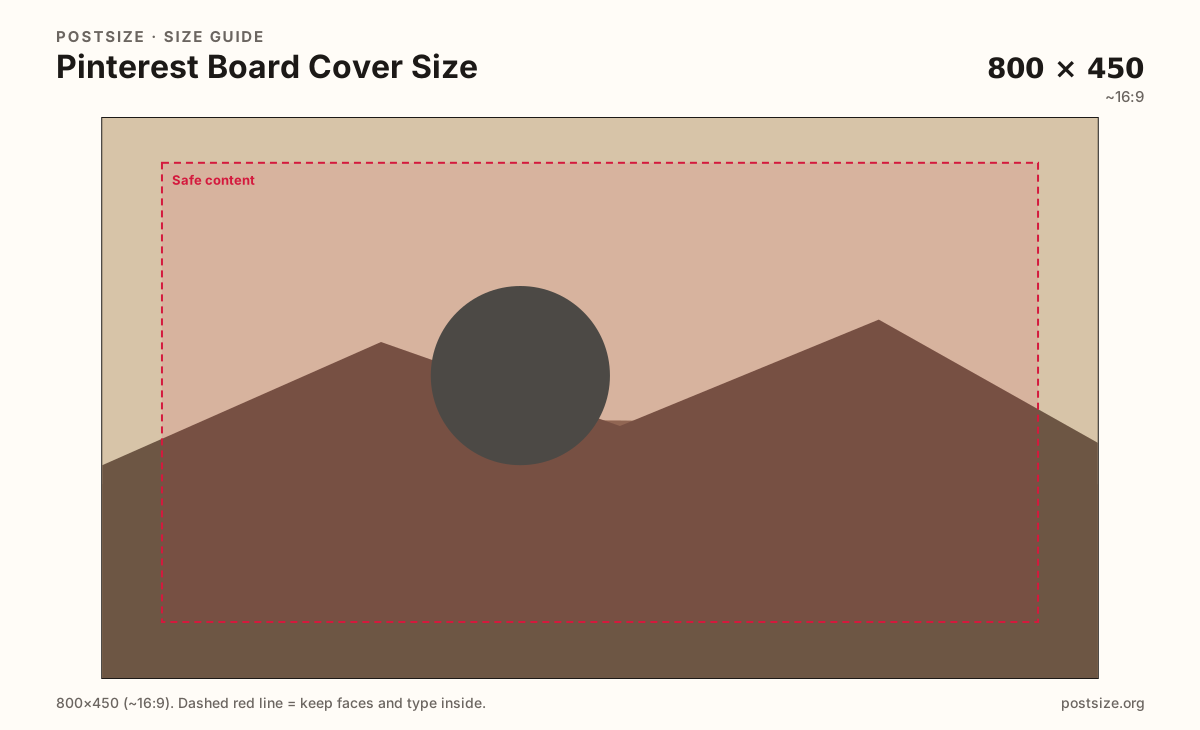
Practical wide thumbnail for board grids. Center the subject for small cards.
Use in toolPinterest · Image size
Board covers are wide thumbnails—about 800×450—not tall Pins. Crop a clear hero for the board grid, keep text readable at small size, then download in your browser.
Browser crop · stays on your device
800 × 450
Add a photo to crop
Upload a photo—or try the sample—then keep the board’s theme clear in the center before you download.
Board covers are landscape. Do not reuse a 2:3 Pin export—re-crop so the hero fills the wide frame without letterboxing.
Export this for Pinterest upload.
800×450 ~16:9
Practical wide thumbnail for board grids. Center the subject for small cards.
Use in tool1600×900 ~16:9
Same ratio with more pixels for phones. Pinterest may still display closer to 800×450.
Use in tool| Asset | Pixels | Ratio | Notes | Action |
|---|---|---|---|---|
| Board cover (typical) Recommended | 800×450 | ~16:9 | Practical wide thumbnail for board grids. Center the subject for small cards. | Use in tool |
| Clearer upload (2×) | 1600×900 | ~16:9 | Same ratio with more pixels for phones. Pinterest may still display closer to 800×450. | Use in tool |
Pinterest boards show a landscape cover in profile grids and board lists. The typical practical size is about 800×450 (~16:9). Tall 2:3 Pins look wrong when stretched or letterboxed into that slot.
People scan board covers quickly to decide which collection to open. One clear subject—or a simple collage with a single focal point—beats a busy moodboard that turns to noise at thumbnail size.
Pinterest may auto-generate covers from Pins inside the board. When you set a custom cover, treat it as packaging: high contrast, short or no on-image text, and a subject that still reads when the card is small.
Profile pictures and Pins remain separate files. Coordinate colors if you want a brand system, but always export the board cover as its own wide crop.
Same landscape card—edges and tiny type fail after compression or multi-image crop.
Tick these off against your crop preview—nothing is saved.
Similar-looking slots often use different ratios—do not reuse one export for all of them.
800 × 450 typical
This page. Wide thumbnail for board lists and profile grids.
1000 × 1500
Tall feed Pin—different ratio than board covers.
600 × 600 upload
Circular avatar—not a board cover.
| Surface | Typical size | Note |
|---|---|---|
| Board cover | 800 × 450 typical | This page. Wide thumbnail for board lists and profile grids. |
| Standard Pin | 1000 × 1500 | Tall feed Pin—different ratio than board covers. |
| Profile picture | 600 × 600 upload | Circular avatar—not a board cover. |
A single strong photo usually reads better than a dense collage. If you collage, give one cell clear dominance and keep others as texture—equal tiles become noise when the card shrinks.
Match the cover to the board’s promise. A “Weeknight dinners” board should show food, not a random lifestyle crop that could belong to any board.
Place the subject in the horizontal center with a little breathing room. Landscape frames punish edge-only branding—phones trim more than you expect.
Skip paragraphs of type on the cover. If you need a label, use a short word in large, bold letters.
Export about 800×450 in sRGB, or 1600×900 if you want a clearer master at the same ratio. JPG for photos; PNG for flat graphics.
Upload a photo, lock the Board cover preset (~800×450), then drag until the board’s theme sits in the center safe margin. Switch to 1600×900 if your source is clear enough. Download when the wide preview still reads as a clear label.
From this download to a live upload in a few minutes.
Download the wide JPG from the tool (800×450 or 1600×900).
On Pinterest, open the board → edit cover / choose cover image.
Upload the file and confirm the crop still shows the theme.
If Pinterest offers a position step, keep the hero centered.
Check the board grid on your phone—covers look much smaller there.
About 800×450 pixels (~16:9) is the practical target. You can export 1600×900 at the same ratio for a clearer master.
No. Pins are usually tall 2:3 (1000×1500). Board covers are wide thumbnails—re-crop instead of stretching.
Yes, from Pins inside the board. A custom cover is clearer when you want a specific theme or brand look.
Only if it is large and short. Most boards read better with a strong photo and no micro type.
JPG for photos; PNG for flat graphics. Export sRGB and keep the file reasonably light.
As a starting photo, yes—then re-crop to ~800×450 so the board-grid framing stays intentional.
Soft Pin thumbnails or stretched tall images lose detail. Re-export from a clear landscape source at 800×450 or 1600×900.